Image commandsעברית
All style families

Technical & structure

14 prompt shortcuts in the Technical & structure family, each with a real example image.

Every command, in one place

14 results
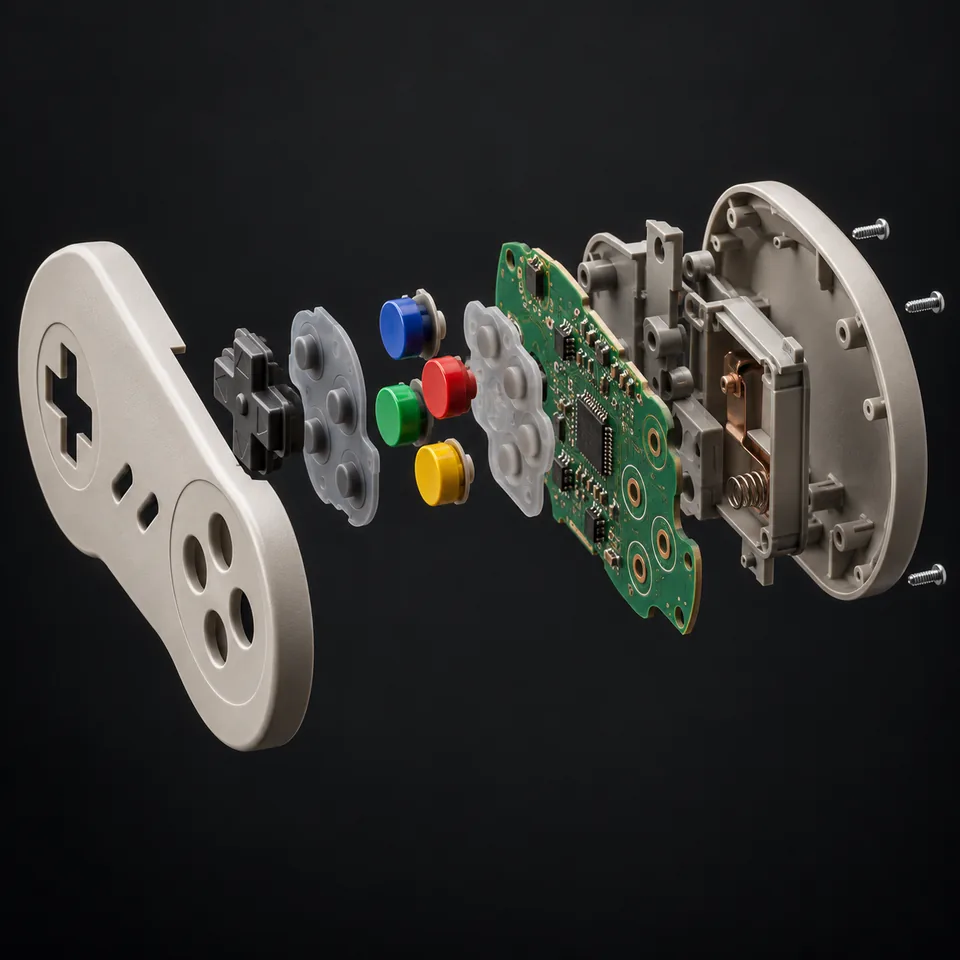
Exploded view: Breaks a product into its parts and floats them apart in a technical layout.
Technical & structureCommunity tested

Exploded view

Breaks a product into its parts and floats them apart in a technical layout.

Also appears as/explodeview
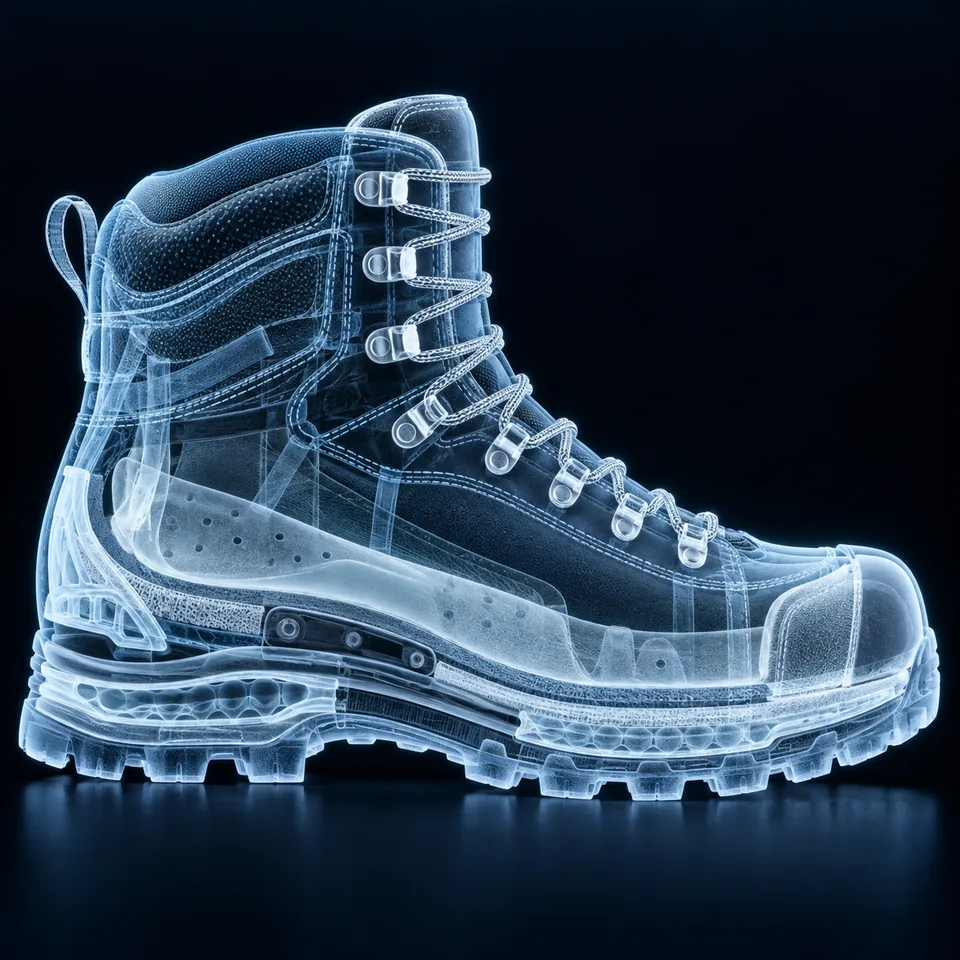
X-ray: Shows an object, person, or animal as a see-through X-ray image.
Technical & structureCommunity tested

X-ray

Shows an object, person, or animal as a see-through X-ray image.

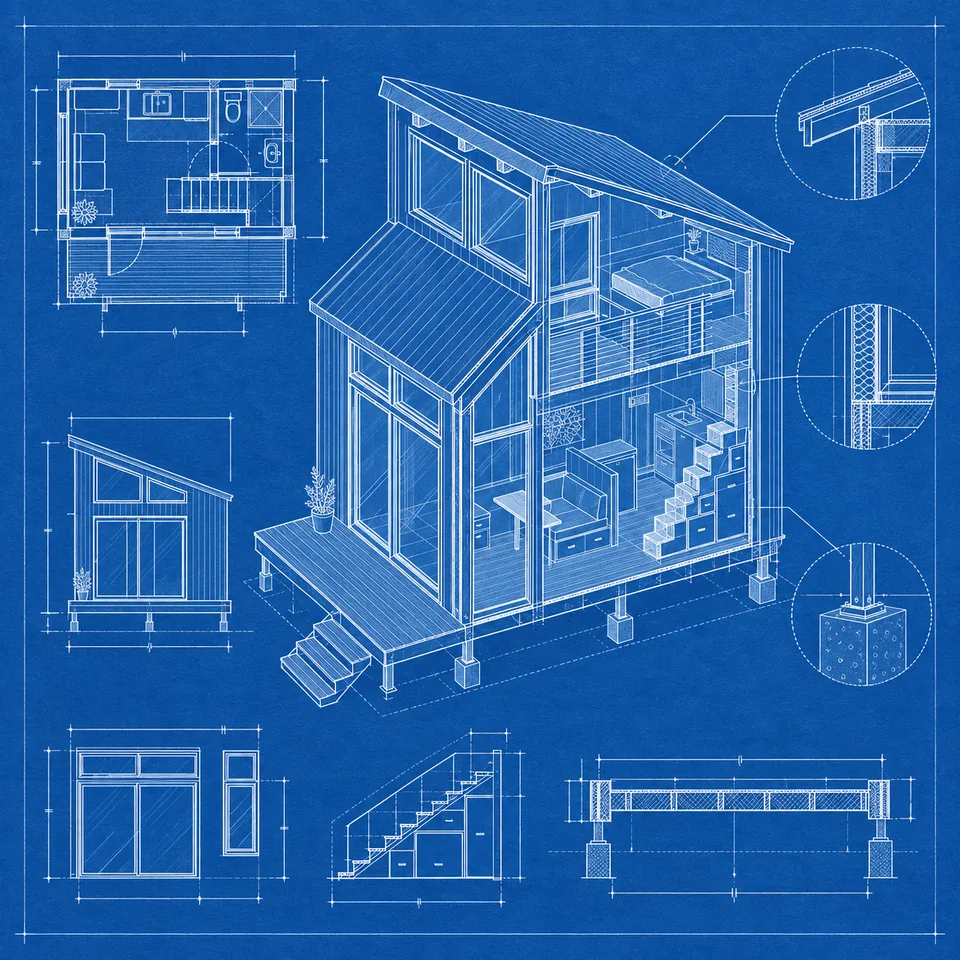
Blueprint: Redraws an object or project as a technical blueprint in engineering-plan style.
Technical & structureCommunity tested

Blueprint

Redraws an object or project as a technical blueprint in engineering-plan style.

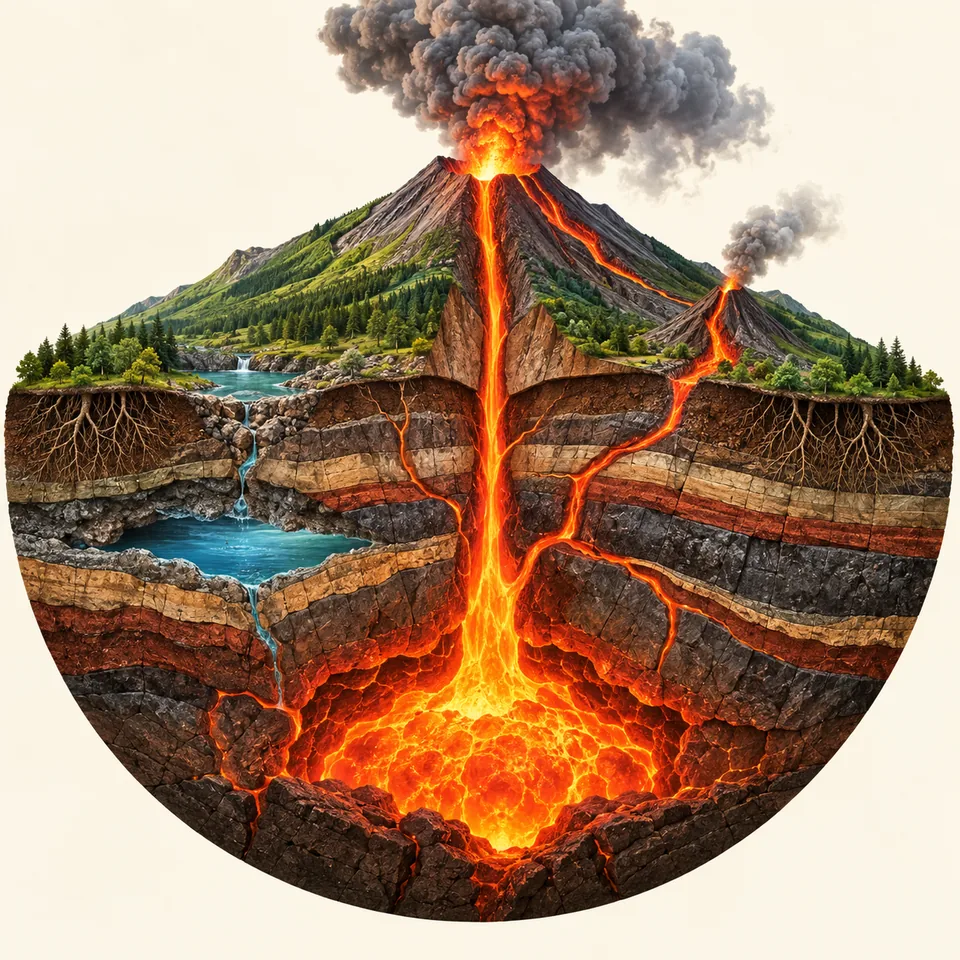
Cross section: Slices an object in cross section so you can see its layers and inner parts.
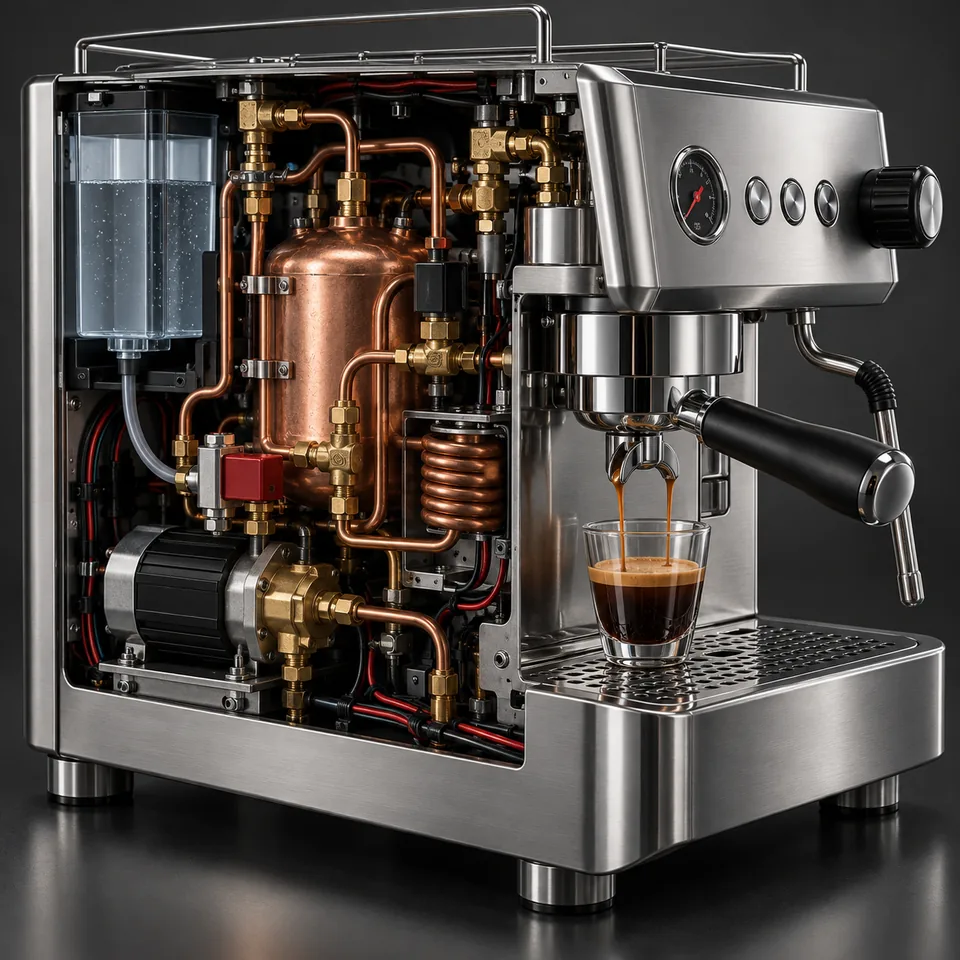
Technical & structureCommunity tested

Cross section

Slices an object in cross section so you can see its layers and inner parts.

Cutaway: Cuts away part of the object to reveal the structure and mechanism inside.

Technical & structureCommunity tested

Cutaway

Cuts away part of the object to reveal the structure and mechanism inside.

Anatomy: Exposes layers, organs, and internal structure in anatomical illustration style.
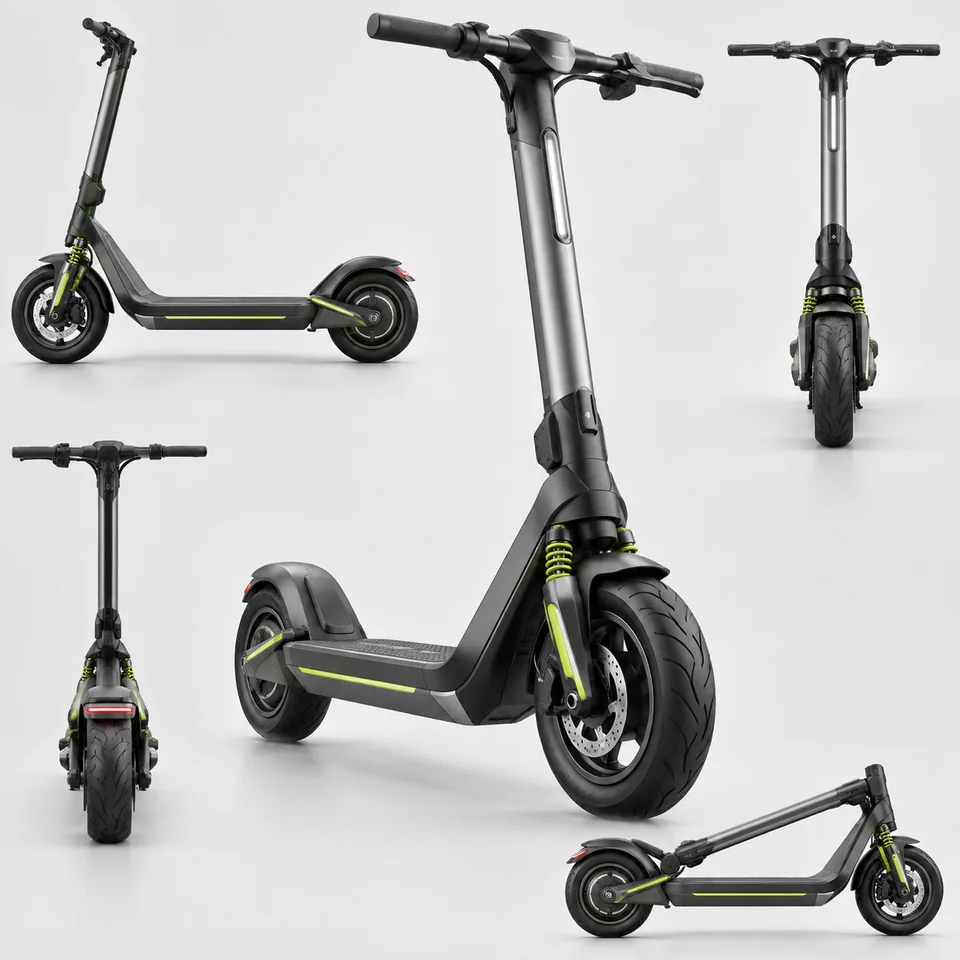
Technical & structureCommunity documented

Anatomy

Exposes layers, organs, and internal structure in anatomical illustration style.

360 view: Presents the object from several angles to build a full view all the way around.
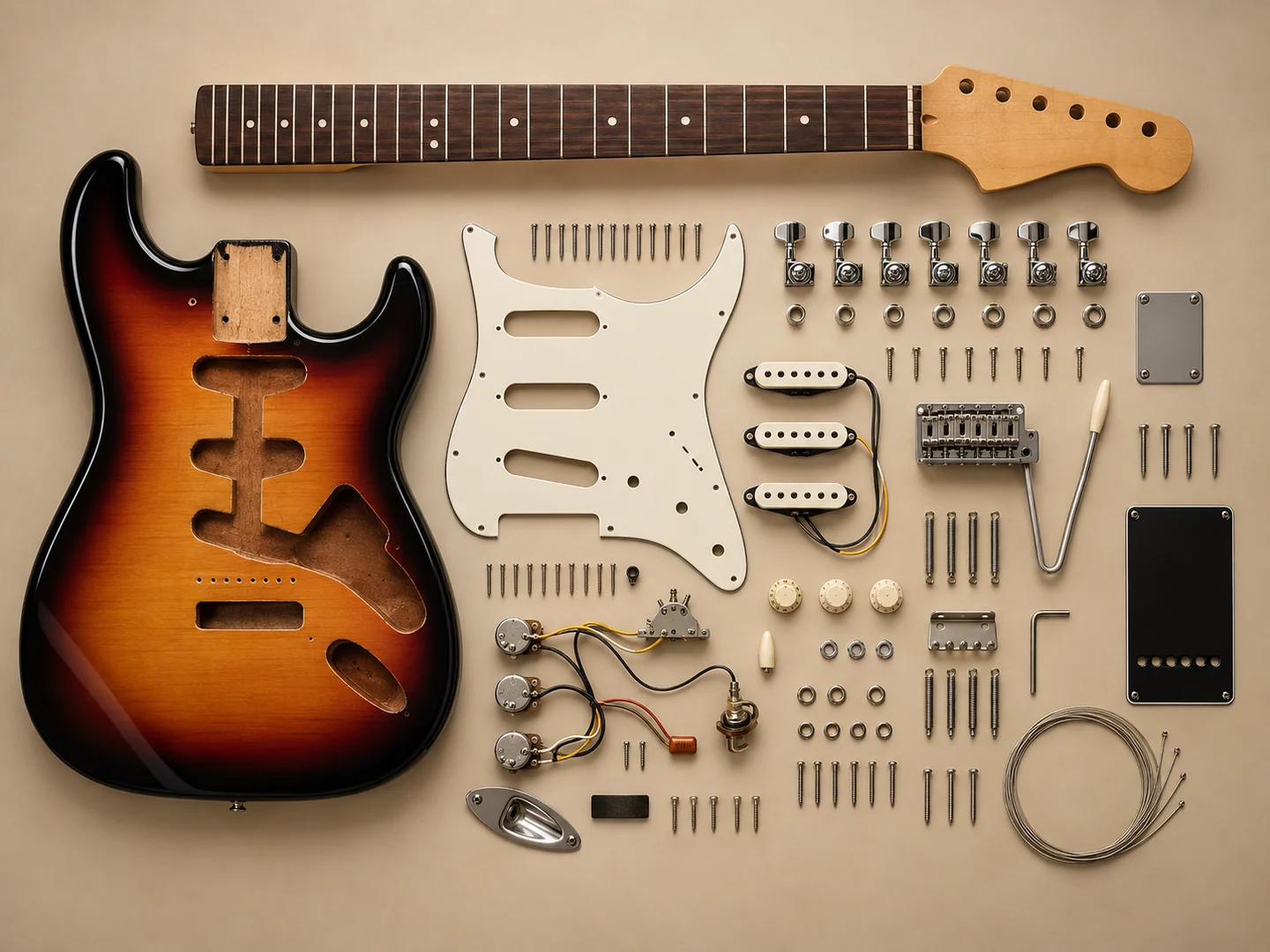
Technical & structureFrom the examples

360 view

Presents the object from several angles to build a full view all the way around.

Teardown: Spreads every component of the object across a surface, seen from above.
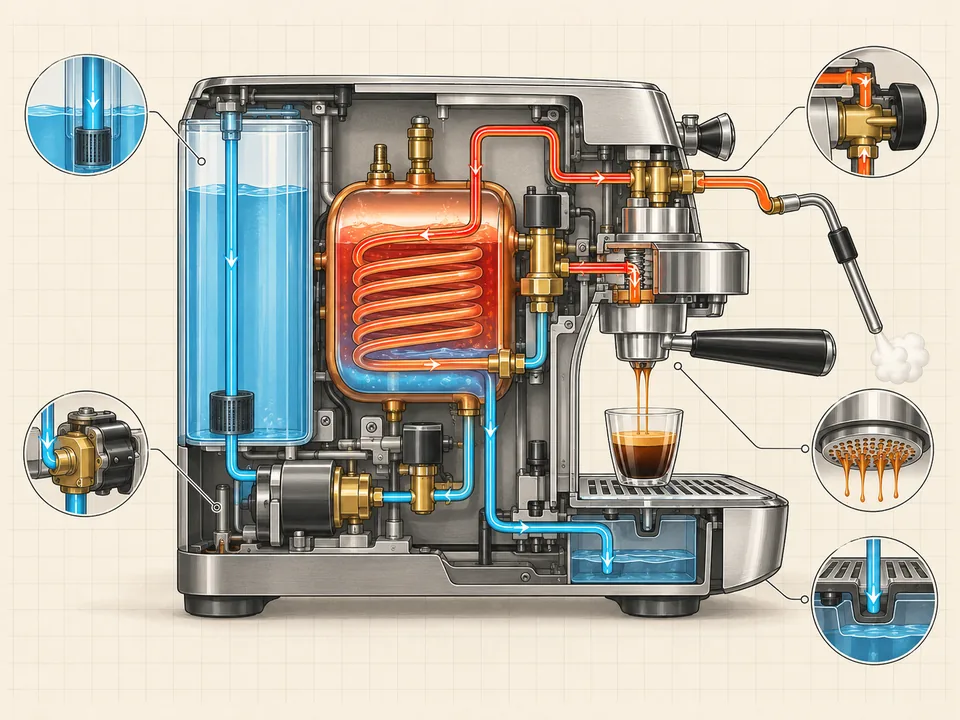
Technical & structureCommunity tested

Teardown

Spreads every component of the object across a surface, seen from above.

Schematic: Draws a monochrome schematic with clean linework and numbered callouts.

Technical & structureCommunity tested

Schematic

Draws a monochrome schematic with clean linework and numbered callouts.

Isometric view: Views the subject from a 45-degree isometric angle.
Technical & structureCommunity tested

Isometric view

Views the subject from a 45-degree isometric angle.

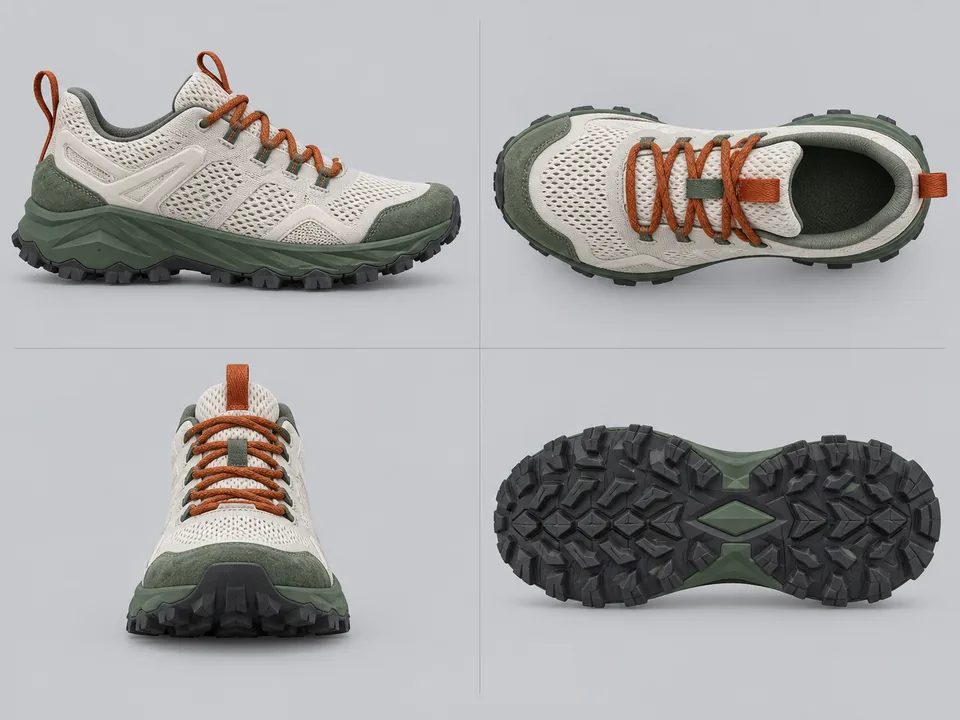
Orthographic view: Lines up front, side, and top views on a single plate.
Technical & structureCommunity tested

Orthographic view

Lines up front, side, and top views on a single plate.

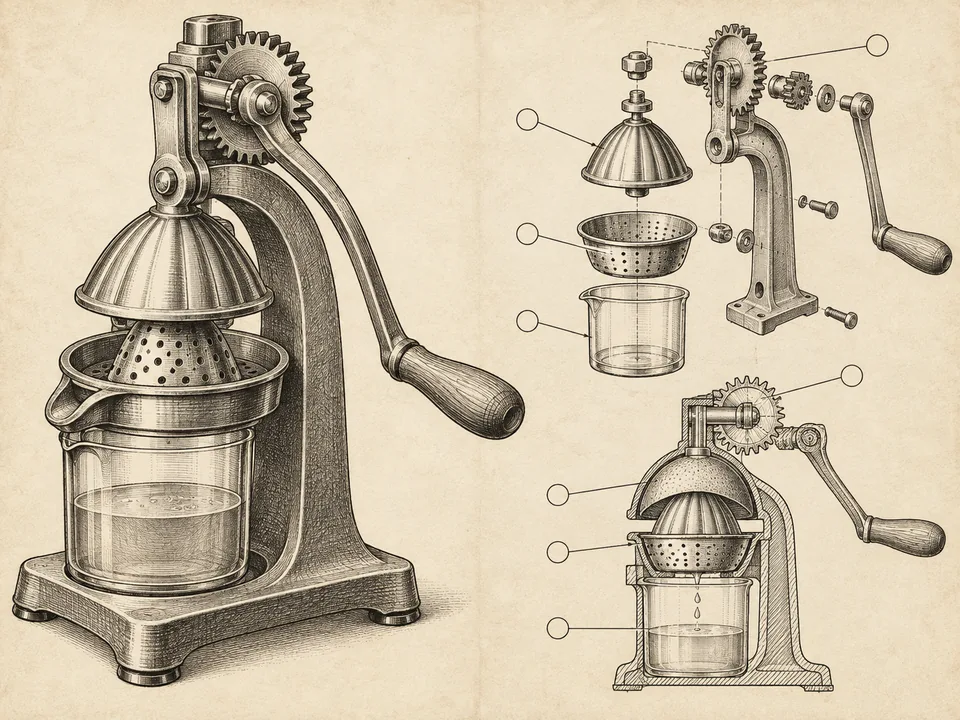
Patent drawing: Produces a black and white patent illustration with shading and numbered parts.
Technical & structureCommunity tested

Patent drawing

Produces a black and white patent illustration with shading and numbered parts.

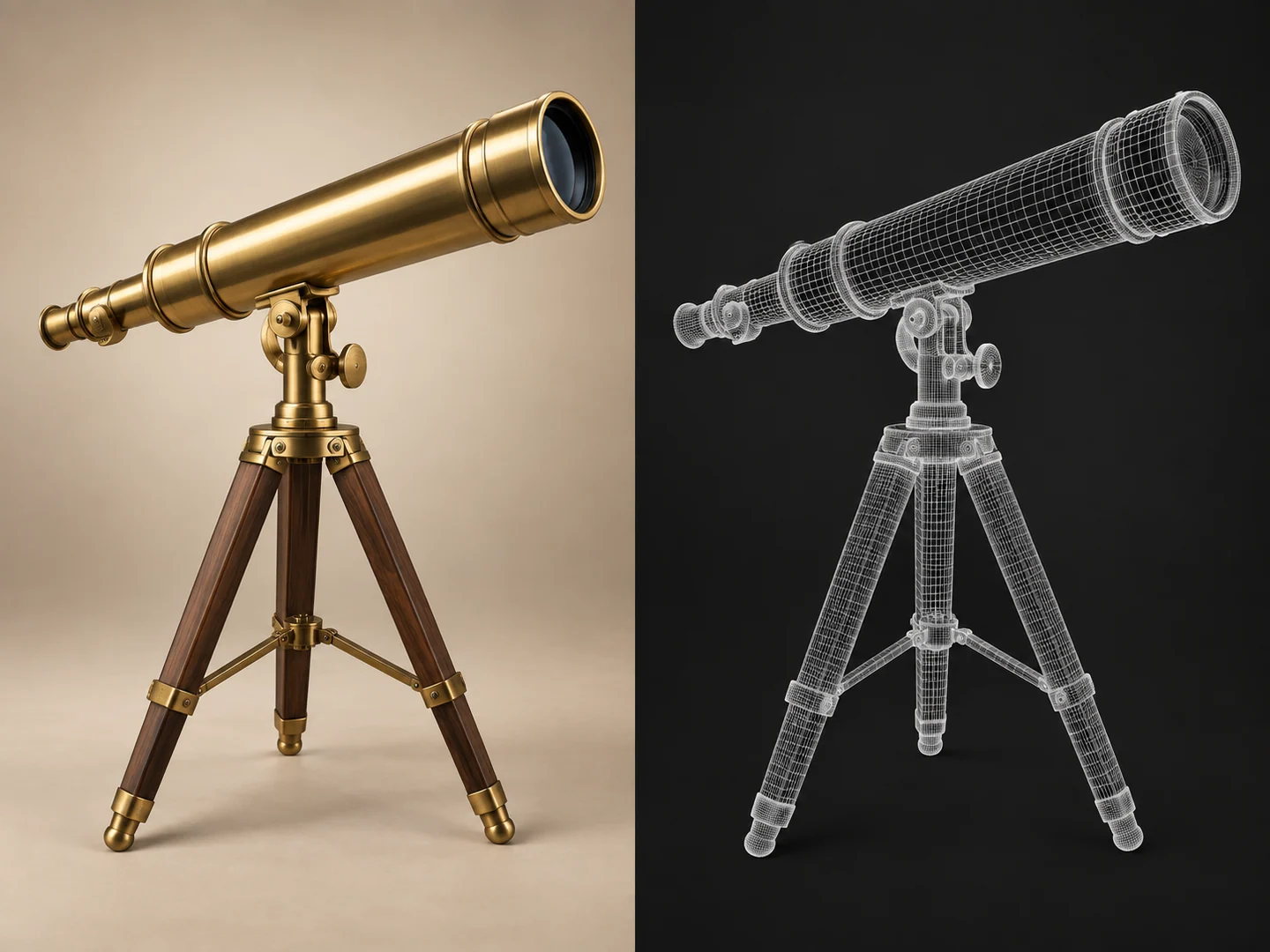
Wireframe: Strips the subject down to a 3D mesh with no textures.

Technical & structureCommunity tested

Wireframe

Strips the subject down to a 3D mesh with no textures.

Infographic: Restructures the information so it reads in a clear visual hierarchy.
Technical & structureCommunity tested

Infographic

Restructures the information so it reads in a clear visual hierarchy.

Last updated: