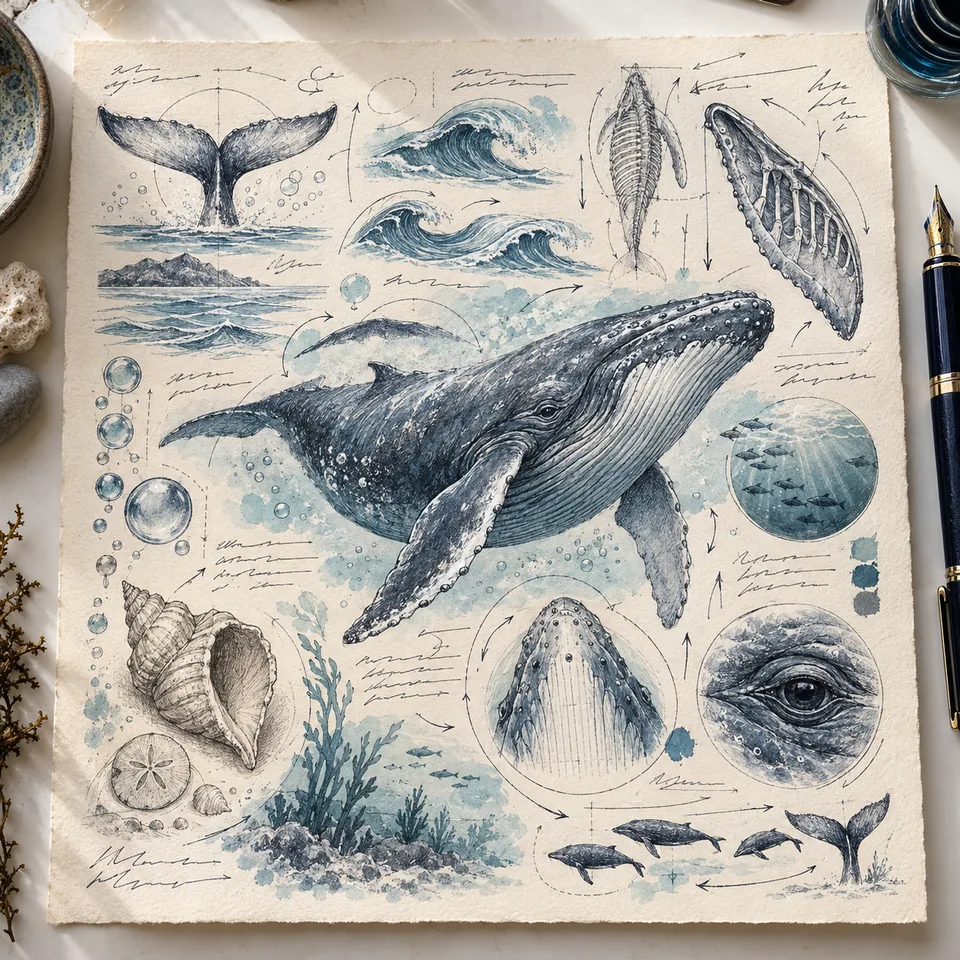
Handwritten
Rewrites your content as a visual explainer in handwriting on notebook pages.
Also appears as/generatehandwriting
A full catalog of visual prompt shortcuts. Look at the result, understand the effect, and copy the command in one click.
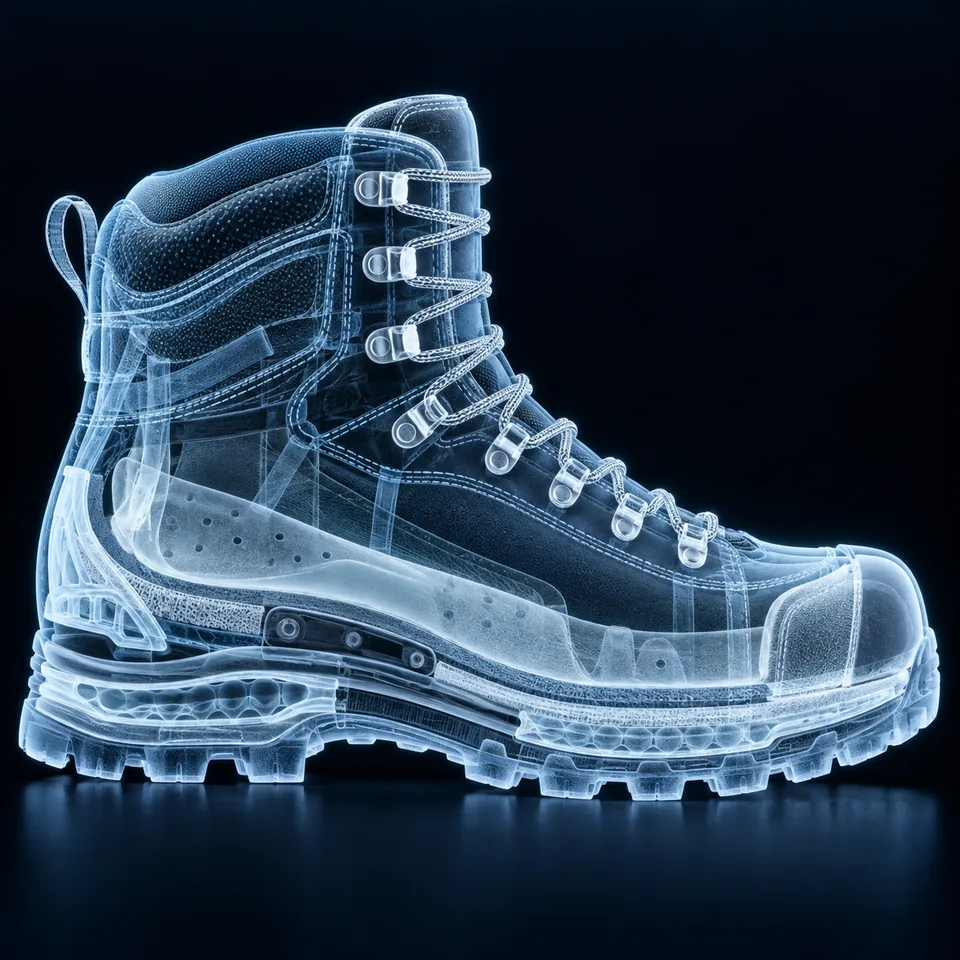


Pick an exampleFind the look that fits what you have in mind.
Copy the commandClick the command at the bottom of the card.
Add your subjectFor example: /xray hiking boot
Rewrites your content as a visual explainer in handwriting on notebook pages.

Breaks a product into its parts and floats them apart in a technical layout.
Shows an object, person, or animal as a see-through X-ray image.
Redraws an object or project as a technical blueprint in engineering-plan style.

Slices an object in cross section so you can see its layers and inner parts.

Cuts away part of the object to reveal the structure and mechanism inside.

Shrinks the person in the photo into a miniature version set in a real scene.

Turns a short line or idea into a sticky note layout that works as a story or post.

Maps an idea or topic into a mind map of branches and connections.

Exposes layers, organs, and internal structure in anatomical illustration style.
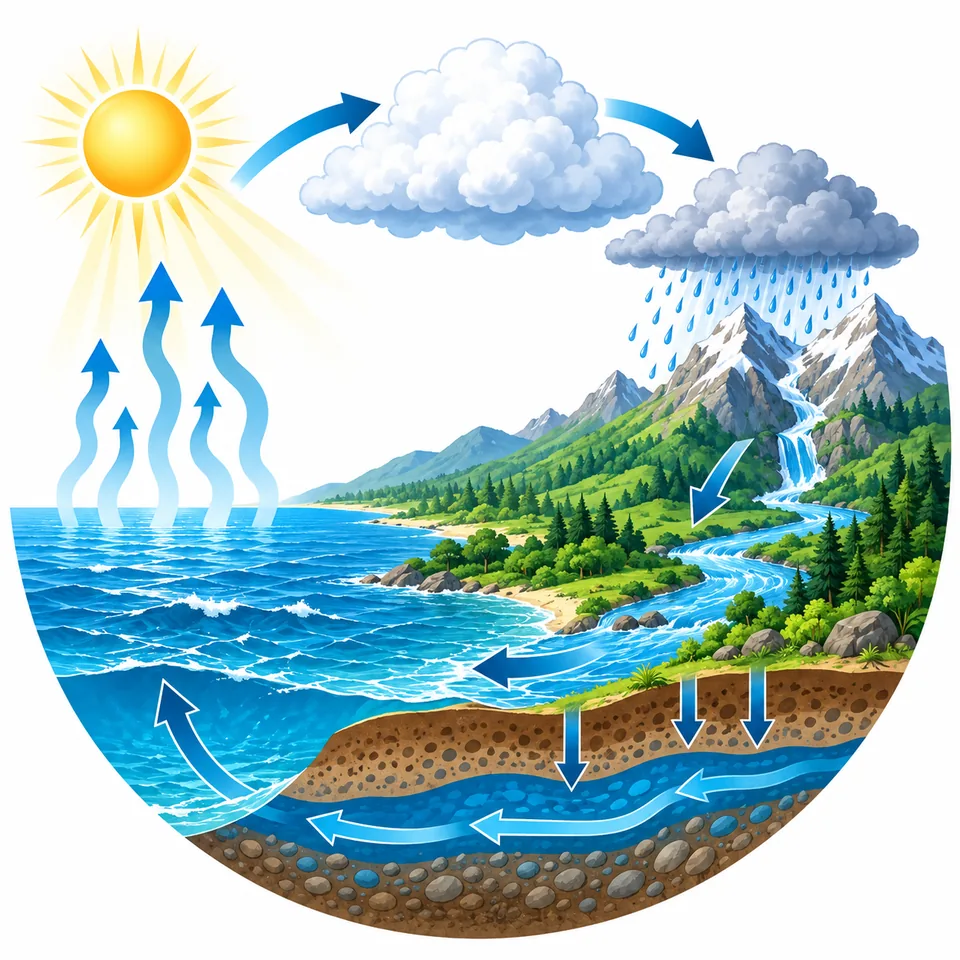
Lays out a topic or process as an ordered visual explainer that is easy to follow.

Summarizes a topic on one page of sketchnote drawings, arrows, and headings.

Builds a set of visual flashcards for studying, practice, and recall.

Drops the scene into zero gravity, with objects drifting in midair.
Makes the scene look like a physical miniature photographed in a studio.

Places the scene inside a tiny, highly detailed physical diorama.

Presents the object from several angles to build a full view all the way around.

Mounts a product or subject on a large three-dimensional billboard.

Sets up a Meta ad with the composition, spacing, and hierarchy the format calls for.

Puts a product or subject front and center on a professional magazine cover.

Renders the product floating in midair with particles and depth.

Spreads every component of the object across a surface, seen from above.

Draws a monochrome schematic with clean linework and numbered callouts.

Views the subject from a 45-degree isometric angle.
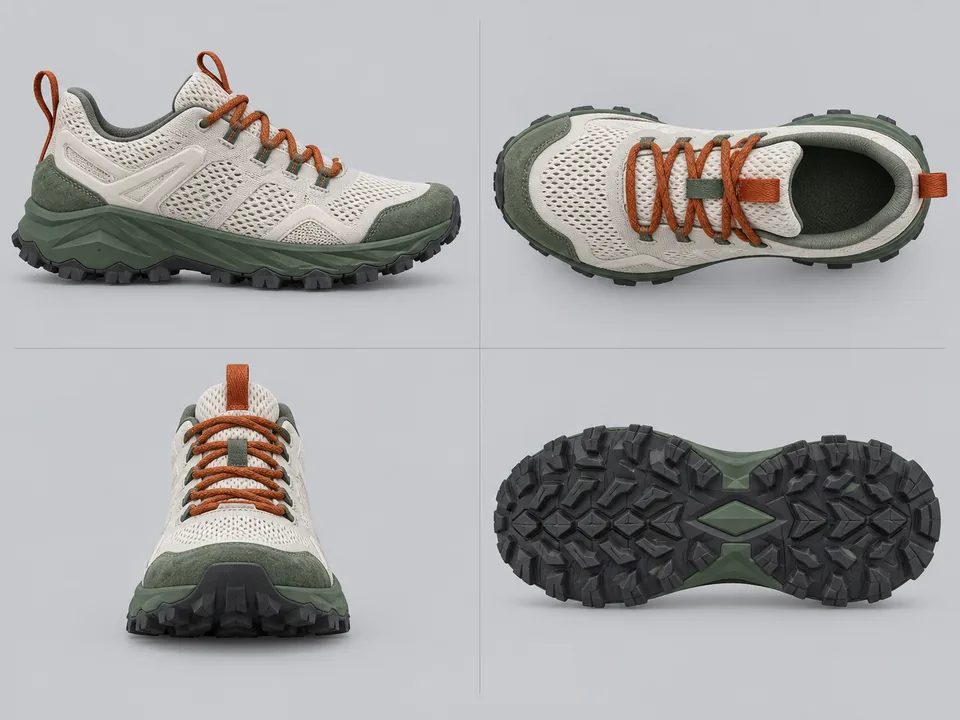
Lines up front, side, and top views on a single plate.

Produces a black and white patent illustration with shading and numbered parts.
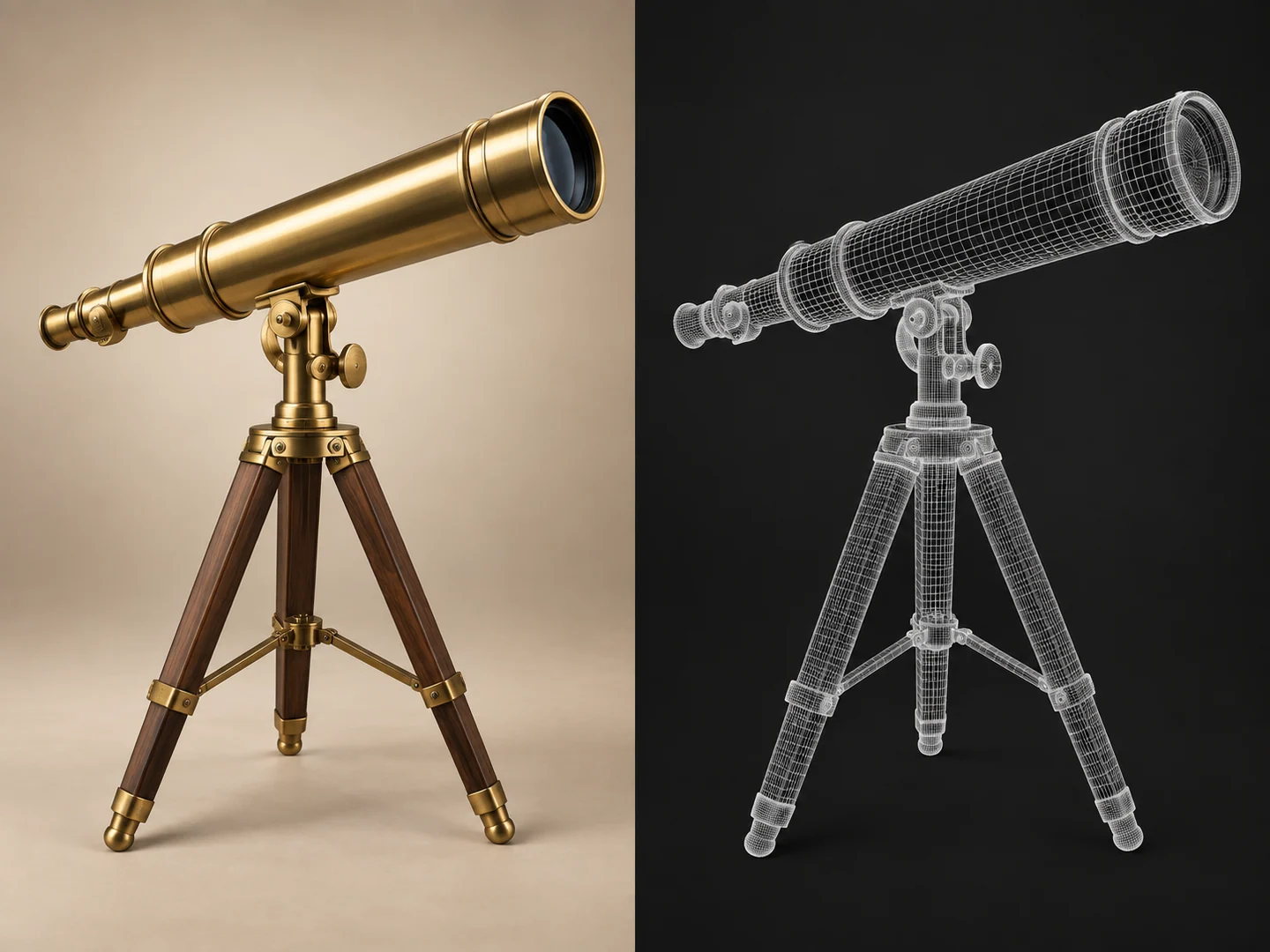
Strips the subject down to a 3D mesh with no textures.
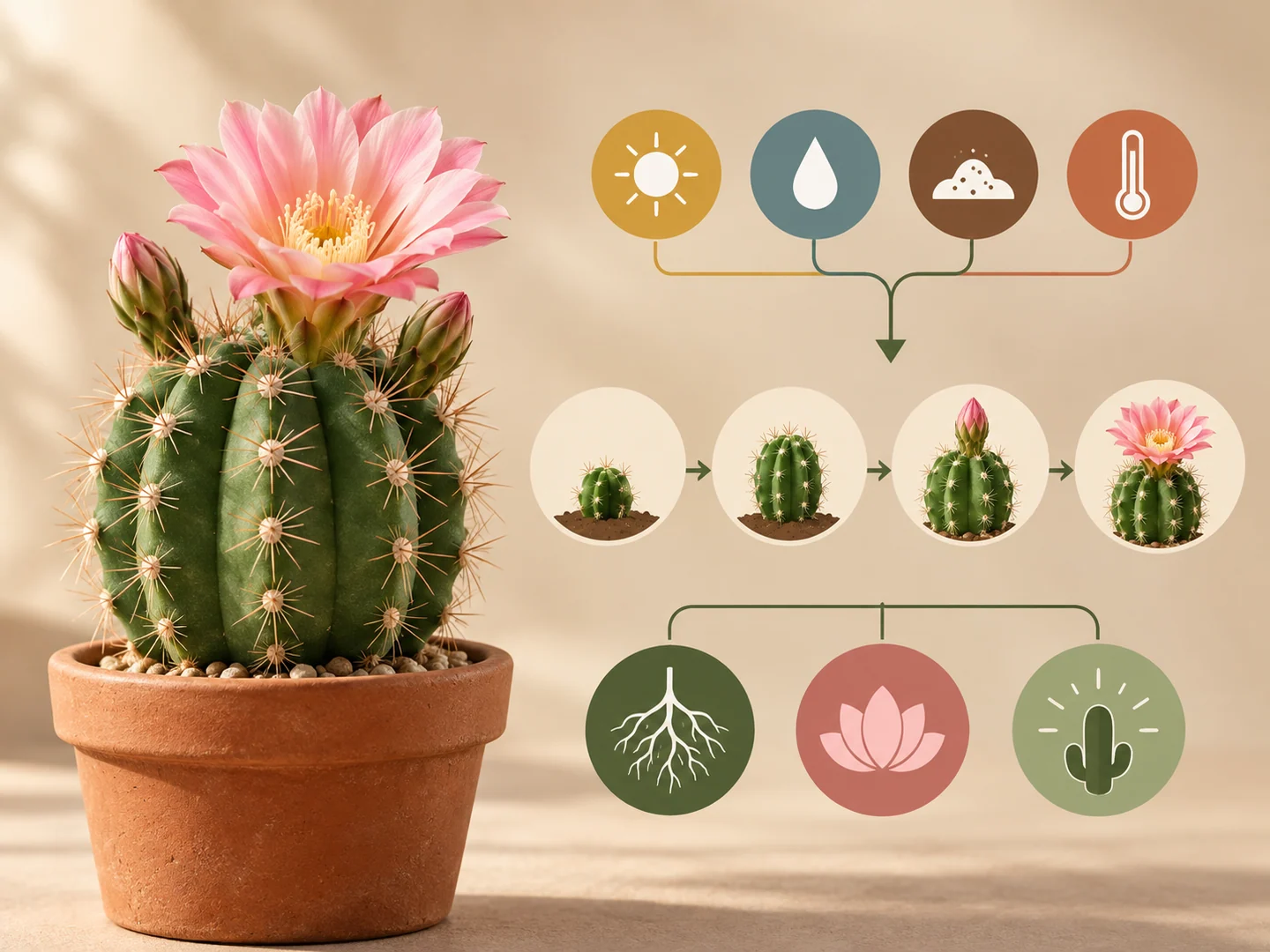
Restructures the information so it reads in a clear visual hierarchy.

Sketches the idea in marker on a paper napkin.
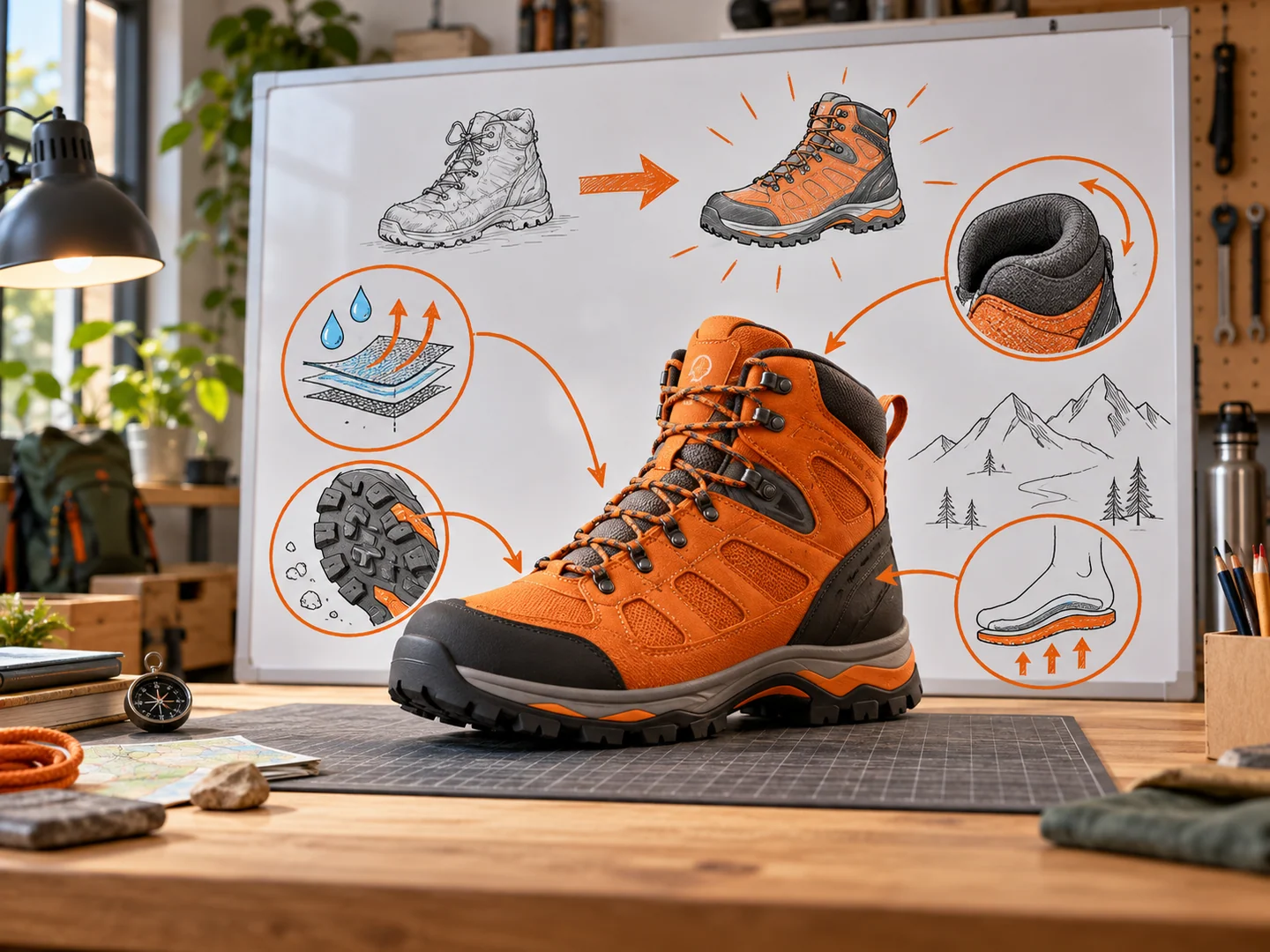
Explains the idea with arrows, circles, and diagrams drawn on a whiteboard.

Assembles a board of images, colors, materials, and textures.

Collages torn paper, tape, and Polaroid photos into a scrapbook page.
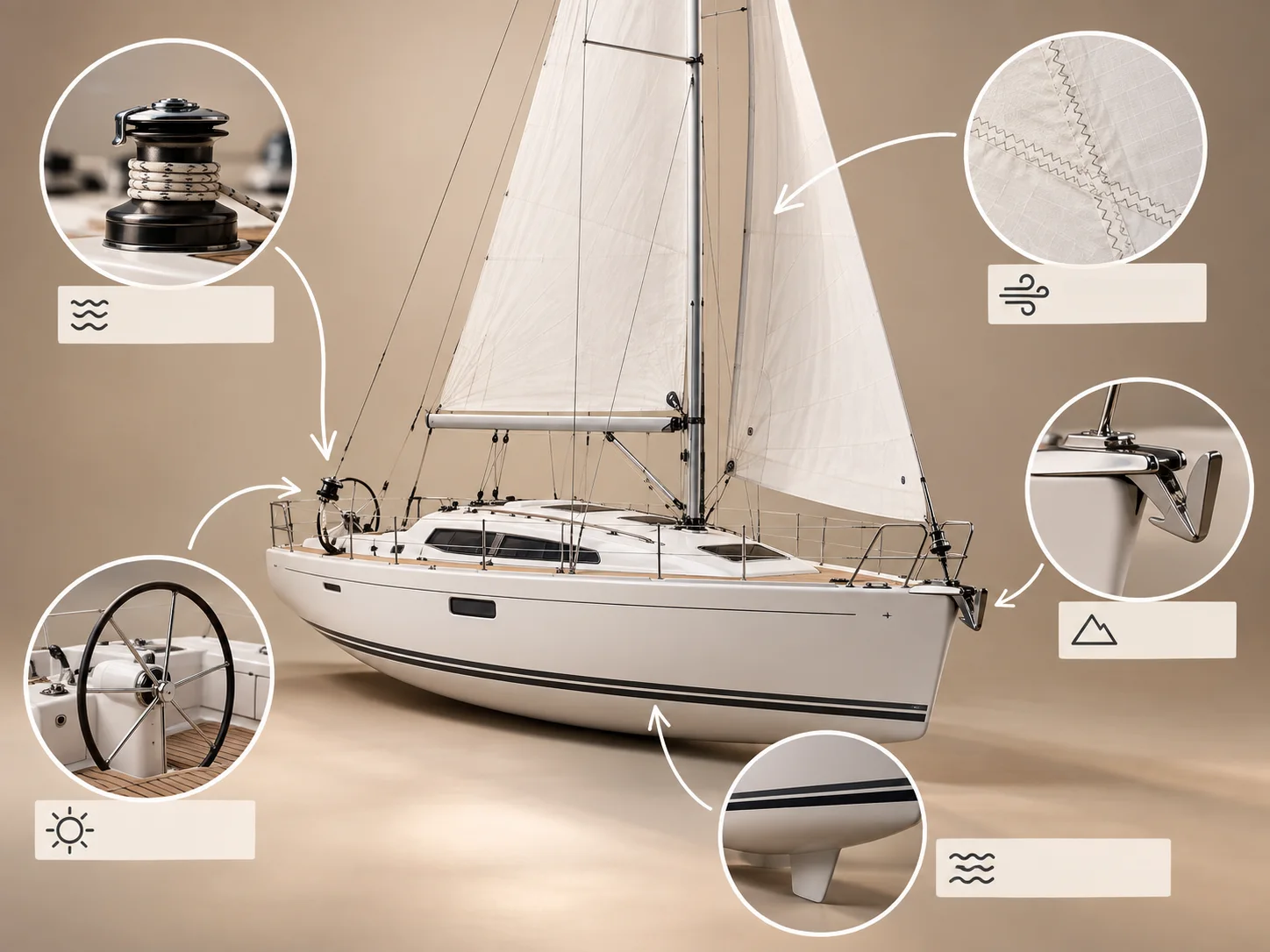
Adds hand-drawn arrows, circles, and notes on top of a photo.

Aligns objects at right angles with even spacing, viewed from above.

Shoots the product clean, with studio lighting and a controlled shadow.

Turns a person or character into a boxed collectible figure with accessories.
Each family has its own page listing every command in it, with nothing left to load.
No sign-up, no forms, no ads, no marketing trackers. Your settings stay in your own browser, and the content is here for learning and inspiration.
No collection of your name, email, or anything you create in ChatGPT.
Keyboard, screen readers, contrast, larger text, and reduced motion.
Every card carries an image chosen or created specifically to show what that command does.
This is a free catalog. There are no accounts, no signup forms, no ads, and no marketing trackers. The site measures a few basic things, but the measurement writes nothing to your device and reads nothing from it, which is why there is no cookie banner to click. Your accessibility settings stay in your own browser and are never sent anywhere.
Roye Cristal Libhaber runs this site as a private individual in Israel. Under the GDPR he is the data controller. For anything to do with privacy, write to royecr@gmail.com.
There are no user accounts, no signup forms, no purchases, no targeted advertising, and no visitor profiles. The catalog is free and is not a commercial activity.
No data protection officer is required here, and none has been appointed. Article 37 of the GDPR requires one only for public authorities, for large scale regular and systematic monitoring of people, or for large scale processing of special category data. None of those apply to a small free catalog, so you can write to Roye directly.
The site runs as a Cloudflare Worker inside the operator's own Cloudflare account, on his own domain. Cloudflare is the only hosting provider, and it acts as a processor on the operator's behalf and on his instructions.
To serve a page and protect it, Cloudflare handles ordinary request data: your IP address, your browser type, the time of the request, and the address of the page you asked for. The operator does not build a profile from any of it, does not learn who you are from it, and does not keep a separate copy. The legal basis is legitimate interest under Article 6(1)(f), and the interest is simply getting the page to you and keeping malicious traffic out.
Cloudflare may set a short lived, strictly necessary security cookie to filter automated traffic and block abuse. A cookie like that is part of the infrastructure protection. It is not used for marketing, advertising, or tracking. Its name, domain, and lifetime are set by Cloudflare and can change, so this page does not claim specific values for them.
The site runs its own measurement endpoint. It is same origin, it lives on the site's own Cloudflare Worker, and there is no outside analytics provider, no third party script, and no tracking pixel.
It writes nothing to your device and reads nothing from it. No analytics cookie, no localStorage, no sessionStorage, no browser fingerprinting.
Here is everything a measurement event records:
These things are not collected at all:
The site computes no visitor identifier of any kind. No cookie, no fingerprint, no hash. A measurement record holds nothing that could link it to another record or to a person.
Said plainly so there is no confusion: the site does not count unique visitors at all. It counts events, not people.
Your raw IP address is not stored and is never written anywhere by the operator.
Article 5(3) of the ePrivacy Directive requires consent when a site stores information on your device or reads information already stored there. This measurement does neither, so that rule is not engaged and no consent is required. That is why you were not asked to click a cookie banner.
The processing that happens on the server relies on legitimate interest under Article 6(1)(f) of the GDPR. The interest, stated plainly: to understand which parts of this free catalog are actually useful to people, so that it can be maintained and improved. That means fixing what is broken, removing what does not work, and adding what is missing. Without some form of measurement there is no way to know whether a page or a command serves anyone.
The processing was deliberately kept to the minimum that achieves this. That is why the site keeps the number of search results but not the search words, and why no visitor is identified over time. You have the right to object to this processing, and that right is set out separately below.
Your accessibility choices (text size, high contrast, grayscale, underlined links, reduced motion) and the fact that you dismissed the privacy notice are saved in your browser using localStorage.
They stay on your device. They are never sent to the operator, to Cloudflare, or to anyone else, and they are never used for identification, measurement, or advertising. They exist for one reason: to honor a choice you made, so you do not have to make it again on every visit.
Clearing site data in your browser, or pressing Reset in the accessibility menu, removes them immediately.
The commitment that appeared here before still stands, and it is now worded more precisely. No tool will be turned on that writes information to your device or reads information stored on it, without showing you a choice and getting your consent first. That covers non-essential cookies, storage used for measurement, browser fingerprinting, and any persistent identifier.
The measurement described above was built on purpose so that it does neither of those things, which is why it did not trigger this commitment. It was added without asking for consent because consent is not required, not because the promise was dropped.
If a form, advertising, a third party tool, or measurement that does touch device storage is ever added, you will be shown a choice before it runs, and this policy will be updated first.
Writing in is entirely up to you. If you do, your email address, your name if you give one, the content of your message, and any files you attach will be kept so the message can be answered, an accessibility request handled, a bug fixed, a privacy question resolved, or a legal right defended. The legal basis is legitimate interest under Article 6(1)(f), and the interest is answering people who get in touch and keeping a reasonable record of what was asked and what was done.
There is no legal or contractual obligation to give any of this, and you are not required to provide it. The only consequence is practical: without a reply address, we cannot write back.
One disclosure worth knowing. The contact address is a Gmail address. That means Google acts as a processor for incoming mail, and the correspondence is stored on Google servers, including in the United States, under the transfer safeguards Google publishes for that service. If you would rather your message did not pass through Google, do not send sensitive details by email. Describe the issue briefly and another channel can be arranged.
Data is never sold, rented, or handed over for advertising or marketing. There are no ad networks, tracking pixels, or social network buttons on the site.
There are exactly two processors: Cloudflare, which hosts, serves, and protects the site, and Google, which handles incoming mail to the contact address.
Beyond that, data would only be disclosed if the law requires it, if a competent authority orders it, or if it is needed to establish or defend a legal claim.
The operator is in Israel, and Israel has an EU adequacy decision: Commission Decision 2011/61/EU of 31 January 2011, which the European Commission reconfirmed on 15 January 2024. Transfers from the EEA to Israel therefore need no Standard Contractual Clauses and no extra safeguards.
Cloudflare runs a global network, so request data may be handled outside the EEA. Those transfers rely on the EU Standard Contractual Clauses (Implementing Decision (EU) 2021/914), and for the United Kingdom on the ICO's International Data Transfer Addendum.
Incoming email is stored on Google servers, including in the United States, under the transfer mechanisms Google publishes for that service.
These are the actual retention periods:
Subject to the law that applies to you, which may be the EU GDPR, UK law, or the Israeli Privacy Protection Law including Amendment 13, you have the following rights:
To use any of these rights, write to royecr@gmail.com and say what you want. There is no fee. You will get an answer within one month. If the request is complicated, or several requests come in at once, you will be told within that month and the answer will follow within three months at the outside.
You may be asked for one extra detail to confirm the request really is yours. It will be used only to verify that, and then deleted.
One honest note, because it matters here. Much of what the site processes cannot identify you at all, especially the measurement records. When there is no way to connect a record to you, it cannot be found, corrected, or deleted for you, and no new identifying information will be collected in order to try. If that happens you will be told so plainly, rather than being told a search was run.
You have the right to object at any time to processing of your data that relies on legitimate interest. On this site that means the measurement described above and the handling of emails you send.
You can object on grounds relating to your particular situation. No legal reasoning and no special wording is needed. A short note to royecr@gmail.com is enough. If you object, the processing stops, unless there are compelling legitimate grounds that override your interests, rights, and freedoms, or the processing is needed to establish or defend a legal claim.
In practice this is measurement on a free catalog run by a private individual. There is no commercial interest here that would justify refusing an objection, so a request to stop will be honored.
If you think the processing breaches your rights, you can complain to a supervisory authority. This is in addition to any other remedy, and you do not have to contact us first, although we would welcome the chance to put something right.
The relevant routes are:
The site does not carry out automated decision making and does not build profiles, including the kind described in Articles 22(1) and 22(4) of the GDPR.
Nobody is scored or ranked, no automated decision produces a legal effect or anything similar, and content is never tailored to past behavior. Every visitor sees the same catalog.
California's privacy laws, the CCPA and the CPRA, do not apply to this site. The statutory definition of a business requires an entity operated for profit, and this is a free, non-commercial catalog run by a private individual, so the revenue and data volume thresholds are never reached in the first place.
That is why you will not find a "Do Not Sell or Share My Personal Information" link here, and no CCPA notice. Claiming obligations that do not apply would be its own kind of inaccuracy, and we would rather tell you the truth.
What is true for every visitor, whatever law applies: personal information is not sold, it is not shared for cross-context behavioral advertising, and there are no ad networks on the site. A Global Privacy Control signal sent by your browser is honored, although in practice there is nothing here for it to stop.
Privacy laws in other US states, including Colorado, Connecticut, Virginia, Utah, and Texas, set similar applicability thresholds, and those are not met here either.
The site is served over HTTPS only, with HSTS, a Content Security Policy, framing restrictions, and an allowlist of permitted HTTP methods. There are no forms, no file uploads, and no logins.
No security is perfect. The strongest protection here is that the amount of data is deliberately small. What is never collected cannot leak.
This policy will be updated if a form, advertising, a third party tool, measurement that touches device storage, or any other service that processes data is added to the site. The date at the bottom marks the current version.
Any material change involving a non-essential tool will be shown to you before it runs, not after.
You can read the official sources directly. They are published in Hebrew.
Last updated: 11 September 2026
This site is built to meet Israeli Standard 5568 Part 1 (2023) at level AA, and alongside it WCAG 2.2 at level AA for an international audience. There is a built-in accessibility menu written in the site's own code, full keyboard navigation, and alternative text on every image. If something does not work for you, write in and it will be fixed.
The site is built to meet Israeli Standard 5568 Part 1 (2023) at level AA. That standard is based on WCAG 2.0 with Israeli adaptations, and it applies under the Equal Rights for Persons with Disabilities Law, 5758-1998, and the service accessibility regulations made under it. The guidance published by the Commission for Equal Rights of Persons with Disabilities is followed as well.
Because the catalog is also read outside Israel, the pages are built against WCAG 2.2 at level AA at the same time. That is the current version of the international guidelines. Both sets of rules are used together, and wherever they differ the stricter one wins.
The goal is straightforward: make the site usable, independently and comfortably, by people with disabilities.
These adjustments are part of the site:
The accessibility menu is written in the site's own code. It is not a third party overlay widget. Overlays inject outside code into the page, often conflict with screen readers, and are no substitute for accessibility built into the page structure itself.
Whatever you choose in the menu is saved in your browser only. It is never sent to anyone, and it clears when you press Reset or clear site data.
Accessibility is tested on an ongoing basis during development: keyboard navigation, page structure and headings, color contrast, and automated checking tools.
It is worth stating this precisely. Automated tools catch only some accessibility problems, and not every page and not every component has been fully tested in every browser and with every assistive technology. This statement describes continuing work, not a finished result and not an external certification.
If you run into difficulty, or find content that is not accessible, contact the accessibility coordinator, Roye Cristal Libhaber, at royecr@gmail.com.
To make it quicker to fix, please include the page address, your device and browser, and the assistive technology you were using, if any. Reports are looked into and answered within a reasonable time.
You can also ask for an accessible alternative to a specific piece of content, and the request will be considered.
This is a digital service only. There is no physical location where visitors are received, so there is no building or in-person service accessibility statement.
Some of the images were made with AI tools and contain a lot of visual detail. Every image sits next to the command name and a written description of the effect, so you can understand what a command does without seeing the picture.
Despite the effort, individual accessibility problems may still exist. Reporting one is the fastest way to get it fixed.
Last updated: 11 September 2026
The command strings themselves are free to copy and use. The design, the selection, the arrangement, the editing, and the original text belong to Roye Cristal Libhaber. The site is independent and is not affiliated with, sponsored by, or endorsed by OpenAI.
To the extent that rights exist in the design of this site, in the selection and arrangement of the commands, and in the editing and original text written here, those rights belong to Roye Cristal Libhaber.
The site claims no rights in command names, in trademarks, or in content belonging to third parties.
The site places no restriction on copying the command strings. Copy them, use them, change them. That is the whole point of the catalog.
Using the commands and whatever they produce is subject to the law that applies to you and to the terms of service of the tool you use them in.
ChatGPT and OpenAI are marks of their owners. Other brand names, artists, and styles appear here for identification, learning, and illustration only.
This site is entirely independent. It is not affiliated with OpenAI, not sponsored by OpenAI, not endorsed by OpenAI, and does not represent OpenAI. The same is true of every other brand mentioned on it.
Generative models produce different results from one run to the next, from one tool to another, and from one version to the next. The images here illustrate an effect. They are not a promise of an identical result.
Checking permissions, rights, accuracy, and suitability for your intended use is your responsibility. Nothing here limits rights that cannot be waived under applicable law.
Some of the illustrations are based on freely licensed works. The creator's name, the source, and the license terms appear on the image credits page. Rights in those works stay with their creators, under the license named there.
Last updated: 11 September 2026
Last updated: